

Fleet visibility
Follow compatible fleet vehicles from one tracking environment.
Give your operation a connected view of vehicles, routes and activity. From a few service trucks to a growing delivery fleet, start with the information that matters.
 MAVE GPS · FLEETS
Vehicle visibility can help your team coordinate jobs, review routes and understand how fleet resources are used. We plan the solution around your fleet and the workflows you need.
Follow compatible fleet vehicles from one tracking environment.
Use available journey and event information to assess daily operations.
Ask about movement, speed and other supported event notifications.
Service vehicles · Delivery operations · Transportation · Rental fleets
Advanced sensors, video, fuel data and integrations require compatible equipment and a confirmed project scope.
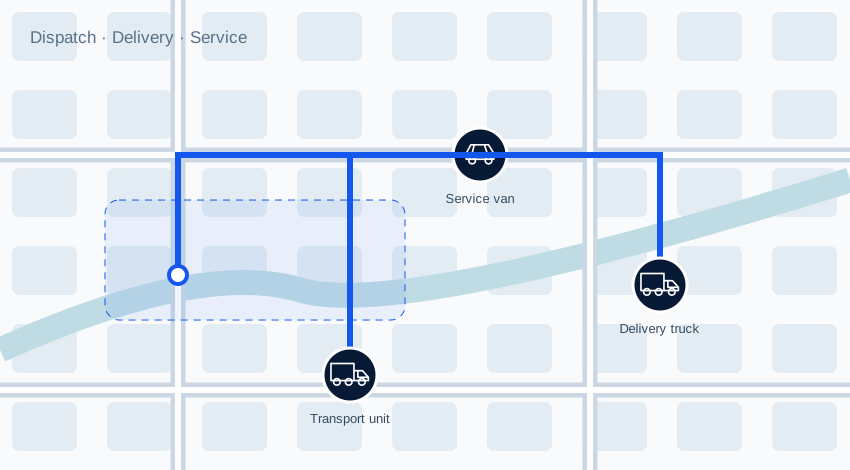
Explore illustrative units, sample routes and selected events for this use case. Select a unit to change the route and speed shown.
 ILLUSTRATIVE DEMO
Explore a sample unit
Sample configured speed threshold
Example: unit left its assigned area
Example: activity outside your schedule
Concept illustration with sample data, not a live client portal. Features depend on compatible devices, connectivity and configuration.
Ask about road-facing and dual-camera setups. Combine supported video with location and event information to review a journey with more context.
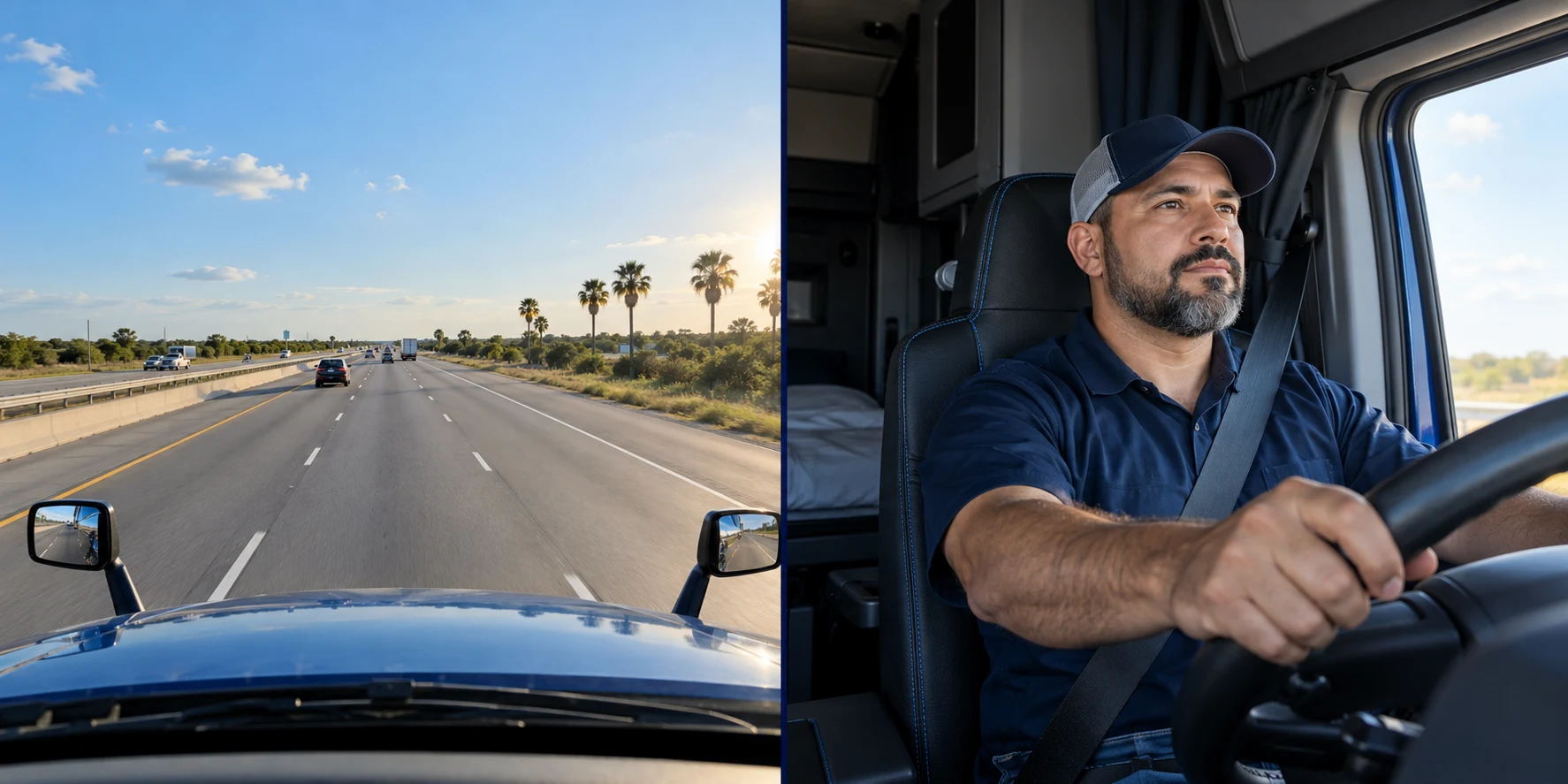
Start with the road, add an inward-facing lens or discuss extra views for cargo and vehicle surroundings.
Discuss incident clips, event timestamps and the information your team needs to review supported camera events.
We confirm camera channels, storage, mobile data requirements and access before defining the installation.
Generated illustrative camera views. Video access, event recording and extra cameras require a supported device and a confirmed deployment.
Plan GPS + camerasTell Maves Smart Technologies what you want to track. We’ll help you find the right starting point.